
OpenAPI Generator
Use the public OpenAPI specification to generate client libraries with OpenAPI Generator.
We utilize OpenAPI, a standardized specification that defines and documents APIs. In essence, OpenAPI serves as a clear blueprint for our API's structure, endpoints, and data formats. An exciting advantage of OpenAPI is its capacity to assist you in effortlessly generating client libraries for various programming languages.
Our OpenAPI specification is publicly accessible here: https://api.telgorithm.com/messaging/swagger/v1/swagger.json
Feel free to dive into the OpenAPI documentation for further insights: https://swagger.io/specification/
OpenAPI Generator
OpenAPI Generator generates code from an OpenAPI specification. It can create code for client libraries, server stubs, documentation and configuration.
There are a number of ways to use OpenAPI Generator. Installing OpenAPI Generator's CLI tool allows users to generate all available generators from the command line. Learn more: https://openapi-generator.tech/docs/installation
Generating Telgorithm's messaging client using OpenAPI Generator Online
OpenAPI Generator Online allows you to generate clients without installing OpenAPI Generator locally. The web application is available at the following address: https://api.openapi-generator.tech/index.html
1) To make an HTTP GET request, please navigate to the web application and click on "GET /api/gen/clients" (Screenshot 1). After that, click the "Try" button (Screenshot 2).
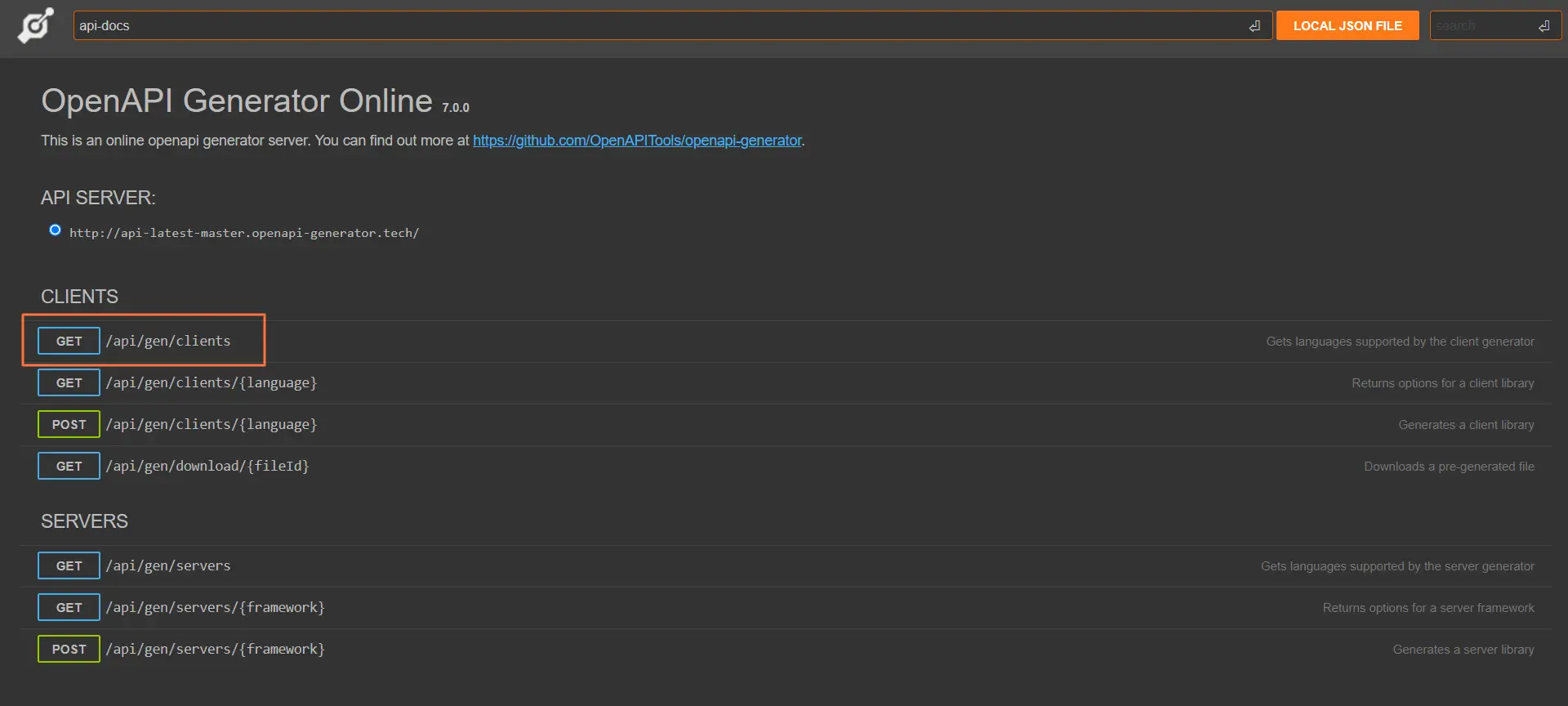 Screenshot 1
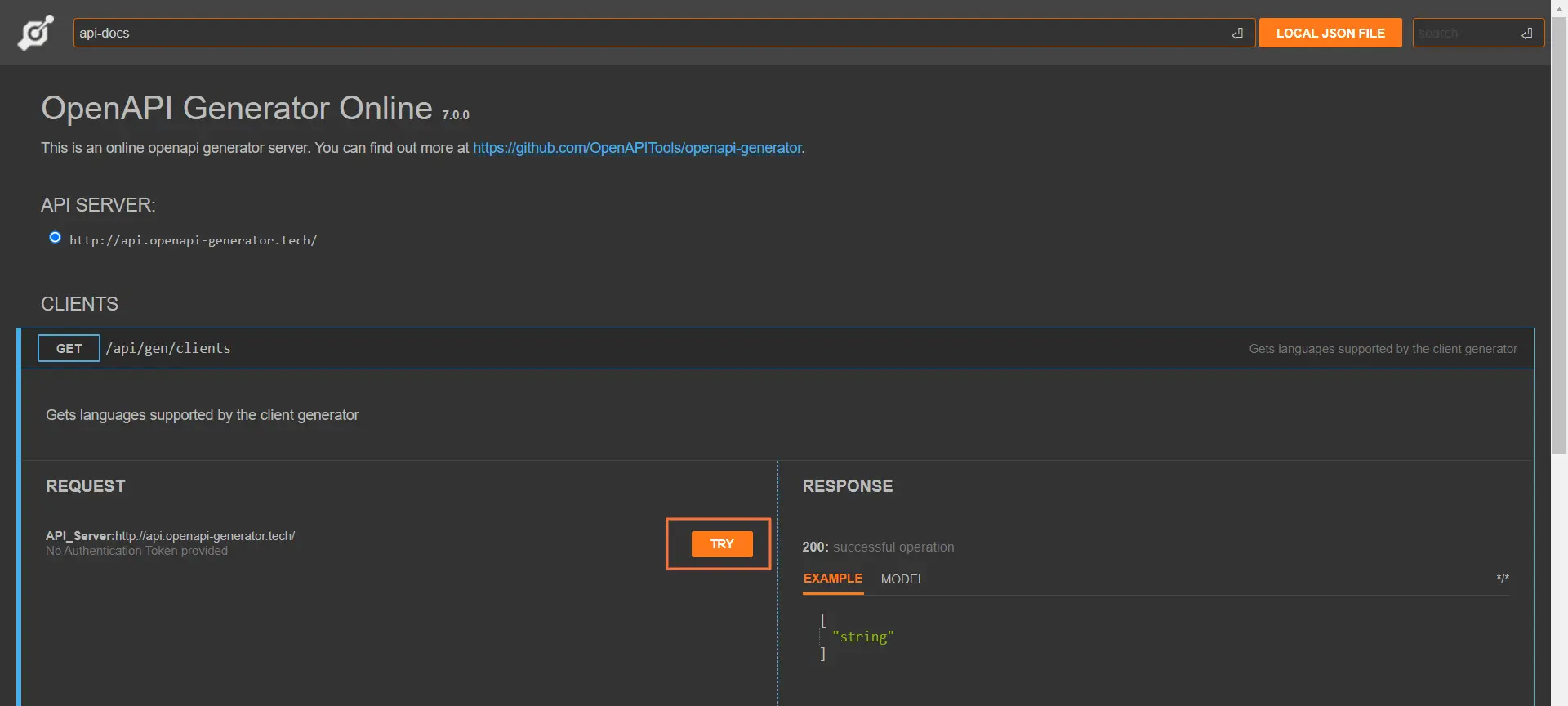 Screenshot 2
2) In the server response, you will receive an array of available clients for generation. Find the one you need and copy it to the clipboard (Screenshot 3),
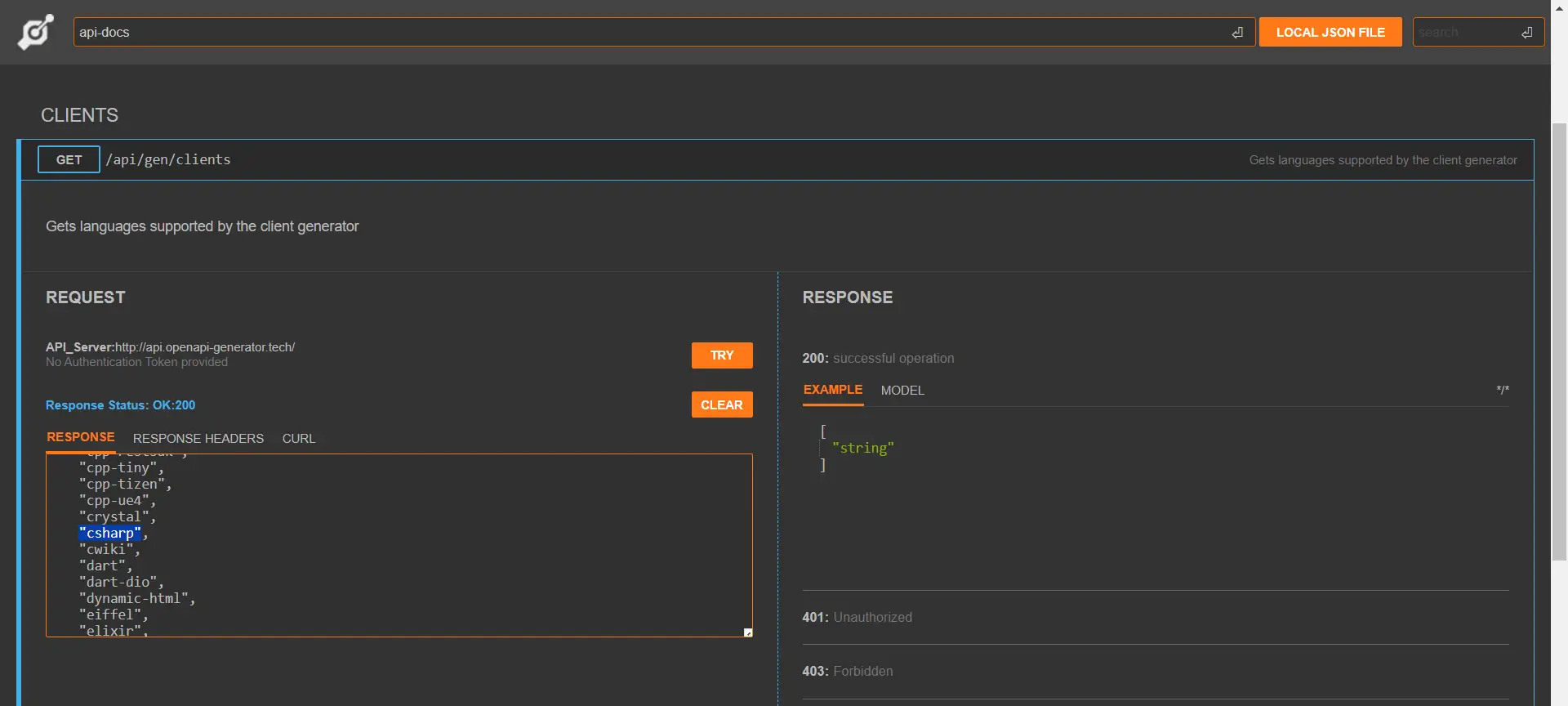 Screenshot 3
3) Next, click on "Post /api/gen/clients/{language}" (Screenshot 4). In the "language" path parameter, paste the client you copied in step 2 (Screenshot 5).
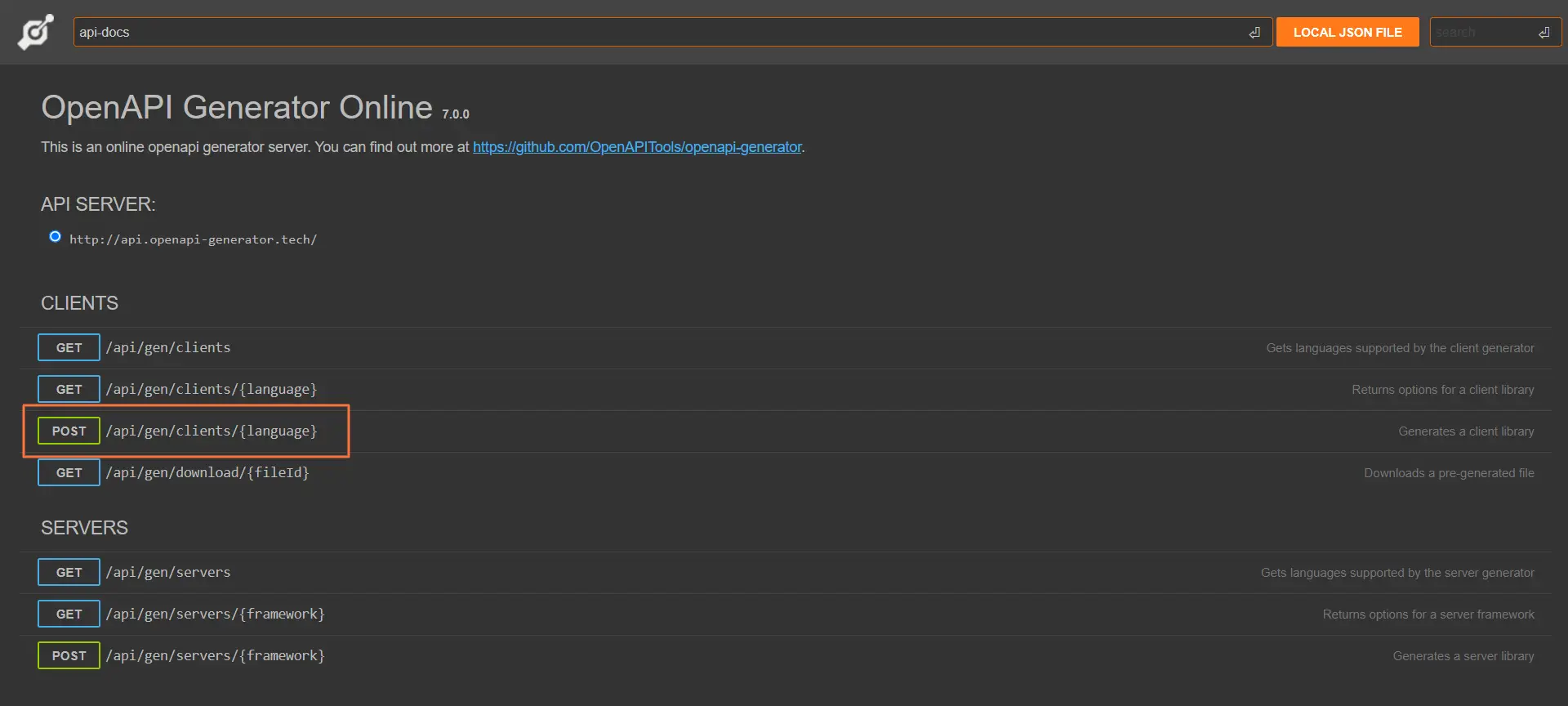 Screenshot 4
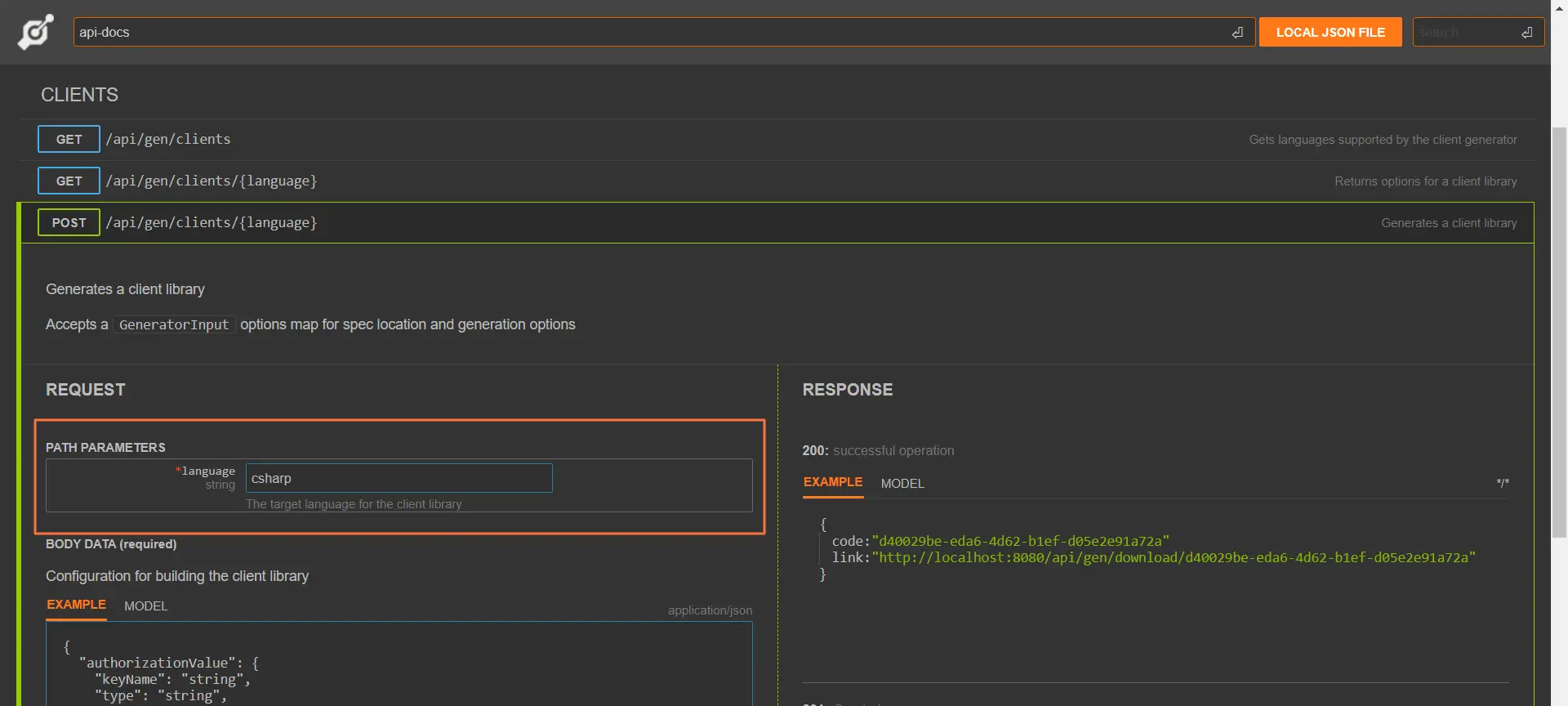 Screenshot 5
4) In the body of the request (in the "Example" textarea), provide the necessary payload (Screenshot 6).
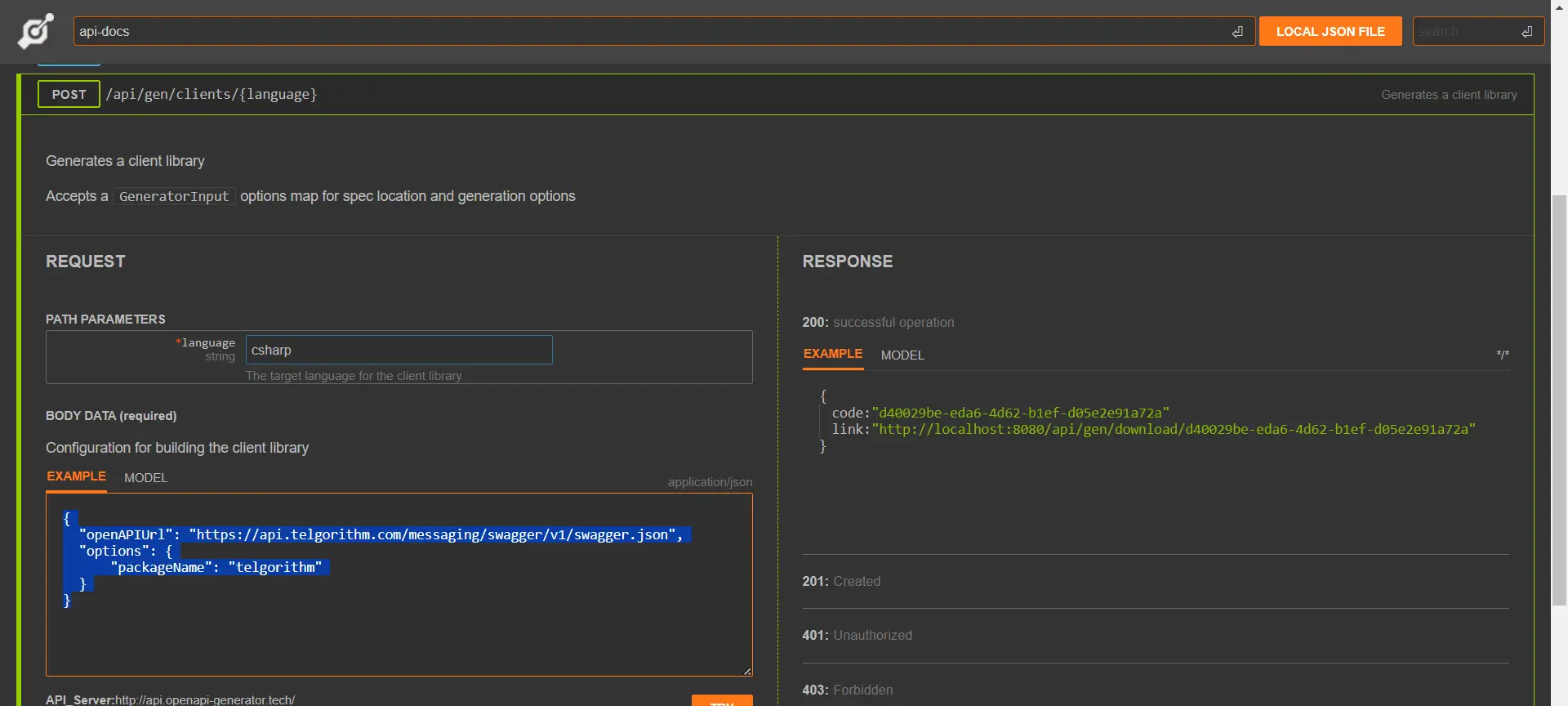 Screenshot 6
{
  "openAPIUrl": "https://api.telgorithm.com/messaging/swagger/v1/swagger.json",
  "options": {
    "packageName": "telgorithm"
  }
}
5) Click the "Try" button and wait for the client generation process to complete (approximately 10 seconds).
6) Once generated, you will receive a link to download the client. Simply copy this link and paste it into your browser's URL address bar (Screenshot 7).
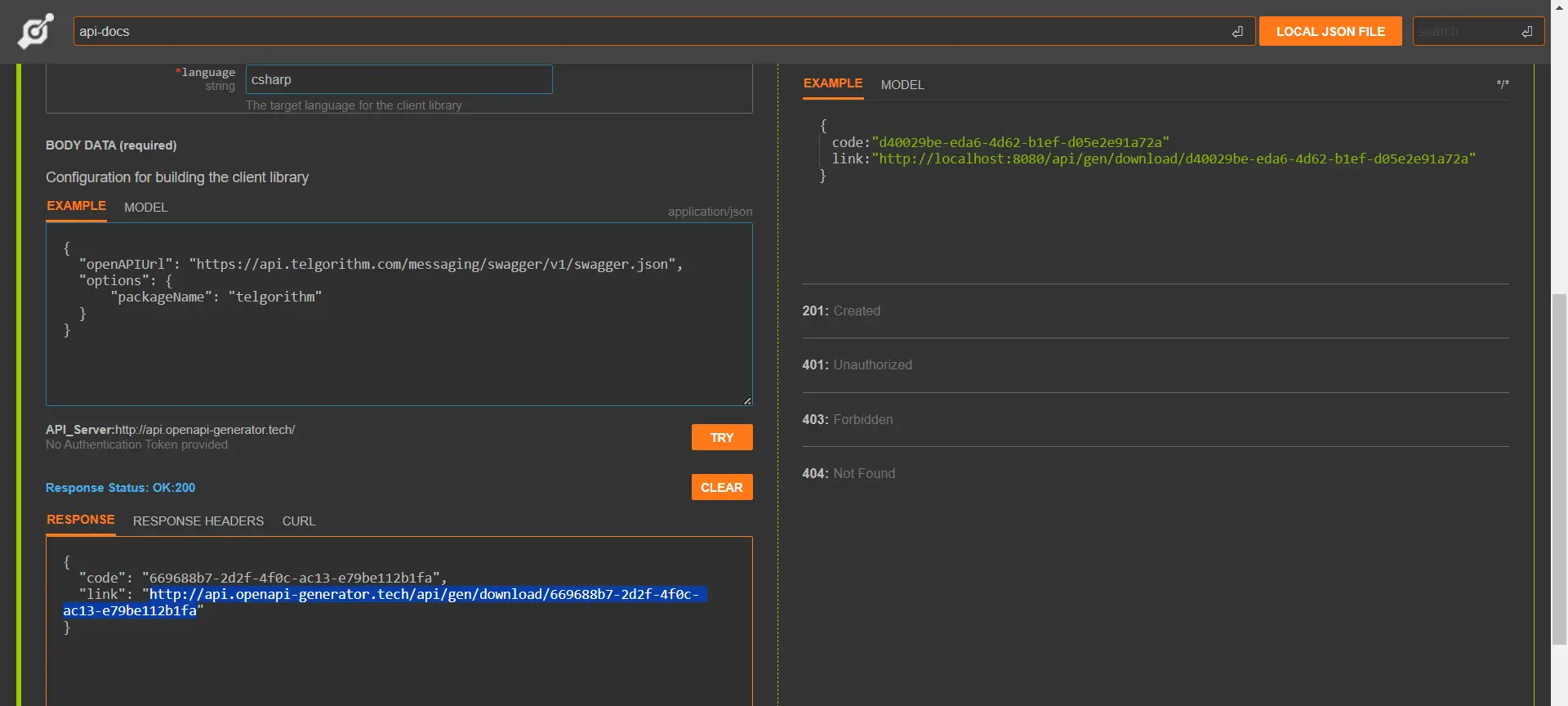 Screenshot 7
7) Finally, you can use the generated client in your application (Screenshot 8).
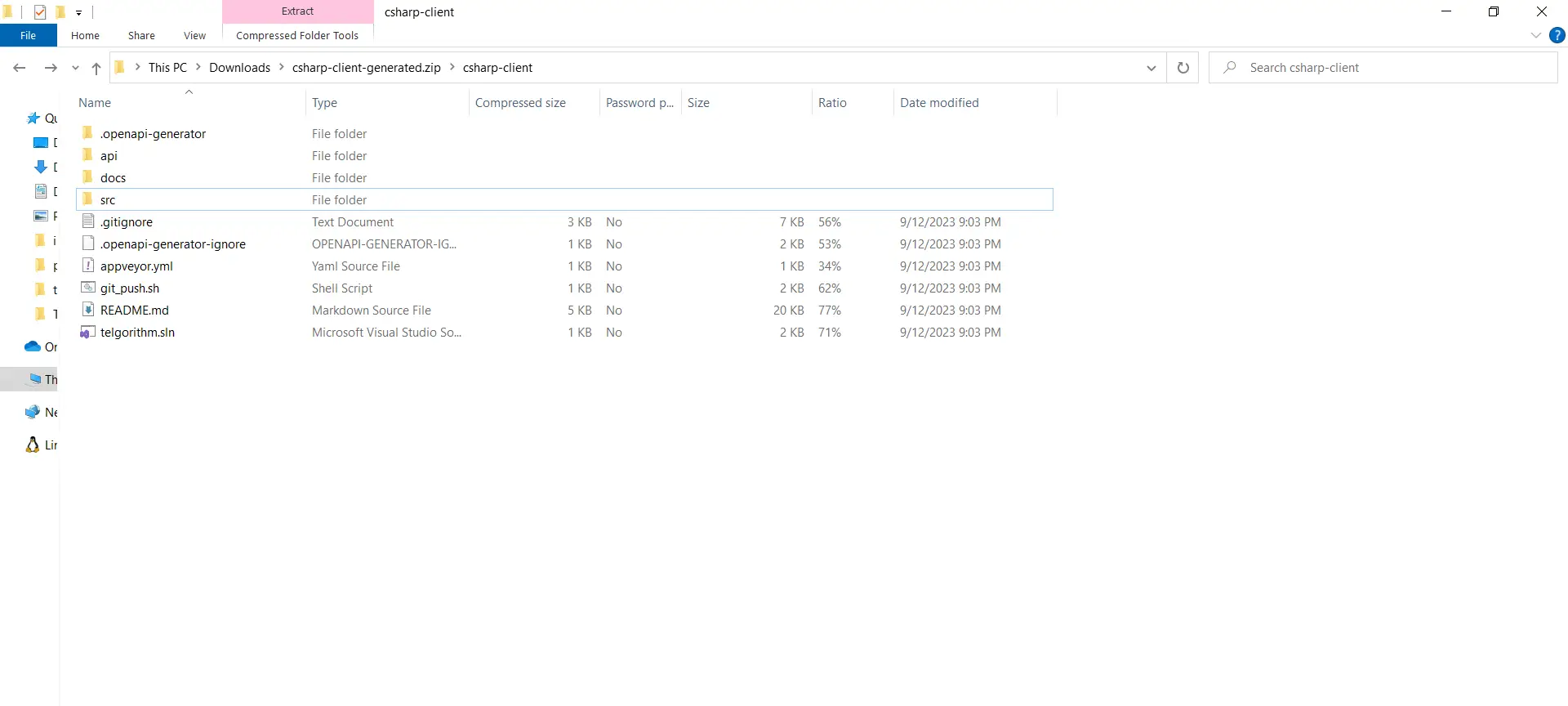 Screenshot 8